Cloud gaming 2026 budget
The price of entry for cloud gaming has settled into a predictable rhythm, but the real cost lies in the hardware you already own. In 2026, you are no longer paying for experimental beta access; you are paying for a reliable, high-fidelity alternative to a console. The tradeoff is simple: you trade upfront capital for a monthly subscription, but you must accept that your experience is tethered to your internet connection and device limitations.
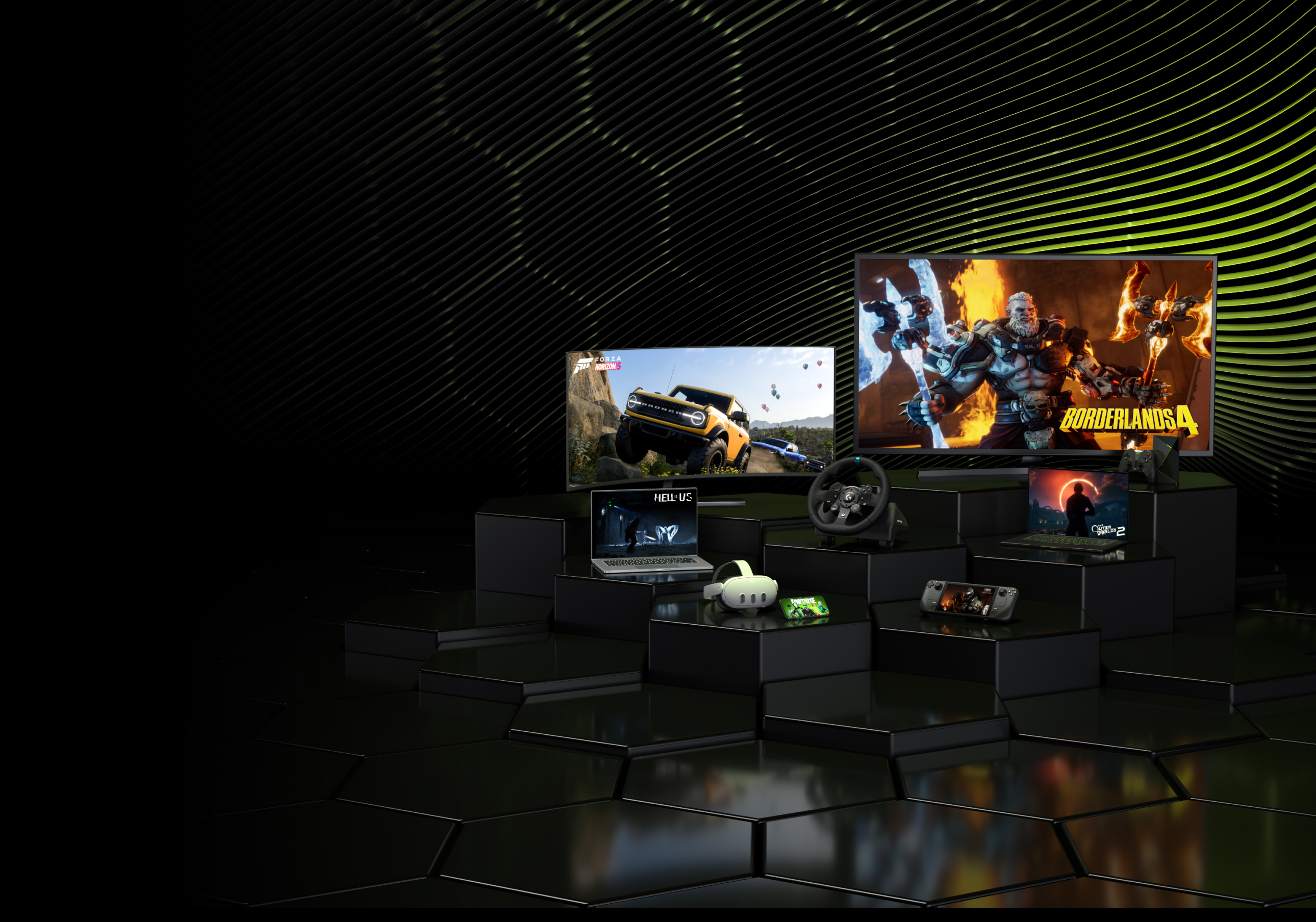
For most budget-conscious gamers, the baseline is a standard subscription tier, typically ranging from $10 to $17 a month. This gets you access to a rotating library of titles and standard definition streaming. If you want 4K resolution and low latency, you are looking at premium tiers that often cost double. However, the hardware requirement shifts dramatically. A basic smartphone can handle 1080p streaming, but to justify a premium tier, you generally need a modern smart TV, a mid-range gaming laptop, or a dedicated streaming stick like the NVIDIA Shield.
The "budget" play in 2026 isn't just about the cheapest subscription; it's about leveraging existing devices. If you already own a PlayStation 5 or a capable PC, adding a cloud gaming add-on like PlayStation Plus Premium or GeForce Now can extend your library without buying new games. For those without a console, the entry point is lower, but the ongoing cost adds up faster than a one-time console purchase. You are essentially renting a computer that lives in a data center. The value proposition holds up only if you play frequently enough to justify the recurring fee, or if you simply refuse to invest in local hardware. For many, it is the most practical way to play AAA titles on a tablet or an old laptop.

As an Amazon Associate, we may earn from qualifying purchases.
Shortlist real options
The landscape for cloud gaming in 2026 has matured from experimental beta phases into reliable services that often rival local hardware performance. For players without expensive consoles or gaming PCs, the choice now comes down to which ecosystem fits your existing devices and game library. We have compared the strongest contenders based on availability, game selection, and platform support.
GeForce Now
NVIDIA’s GeForce Now remains the gold standard for performance enthusiasts. It streams games you already own from Steam, Epic, or Ubisoft Connect at high frame rates and resolutions. The service excels with titles like Cyberpunk 2077 and Fortnite, offering ray tracing and DLSS support on the Priority and Ultimate tiers. It requires a strong internet connection but delivers the closest experience to a high-end local PC.
PlayStation Plus Premium
Sony’s PlayStation Plus Premium tier is the primary option for console exclusives in the cloud. It provides access to a curated library of PS4 and PS5 titles, including major first-party releases like God of War and Horizon. While the library is smaller than PC-focused services, it is the only legal way to stream many PlayStation exclusives on non-Sony devices like PCs or mobile phones. The value depends heavily on whether you prioritize Sony’s first-party lineup.
Xbox Cloud Gaming
Microsoft’s Xbox Cloud Gaming (part of Game Pass Ultimate) offers the best value for casual gamers. It includes access to the entire Game Pass library, featuring day-one releases from studios like Bethesda and Activision Blizzard. The service integrates seamlessly with the Xbox ecosystem and supports a wide range of devices, including older Android phones and smart TVs. Its strength lies in the breadth of the catalog rather than cutting-edge graphical fidelity.
Boosteroid
Boosteroid stands out for its hardware compatibility, supporting devices that other services ignore, such as Chromebooks, Samsung Smart TVs, and older Android phones. It maintains a solid library of AAA titles, though its game rotation is less dynamic than Xbox or GeForce Now. It is a strong alternative for users in regions where other services have limited server presence, providing a stable stream for games like Starfield and EA Sports FC.
| Service | Game Library | Best For | Key Platforms |
|---|---|---|---|
| GeForce Now | Bring Your Own (Steam, Epic) | High-performance streaming | PC, Mac, Android, Shield |
| PlayStation Plus Premium | Curated Sony Catalog | PlayStation Exclusives | PS4, PS5, PC, Mobile |
| Xbox Cloud Gaming | Game Pass Ultimate | Value & Day-One Releases | Xbox, PC, Mobile, TV |
| Boosteroid | Curated Third-Party | Device Compatibility | PC, Smart TVs, Android |
Inspect the expensive parts
Cloud gaming shifts the hardware burden to the provider, but the subscription cost remains fixed regardless of your connection quality. When you pay for a service, you are buying access to servers, not just a game library. The "expensive parts" of this model are the points where your experience degrades fastest, turning a premium subscription into a frustrating waste of money.
Before committing to a long-term plan, check these specific failure points. If a service fails here, no amount of game variety will make it worth the monthly fee.
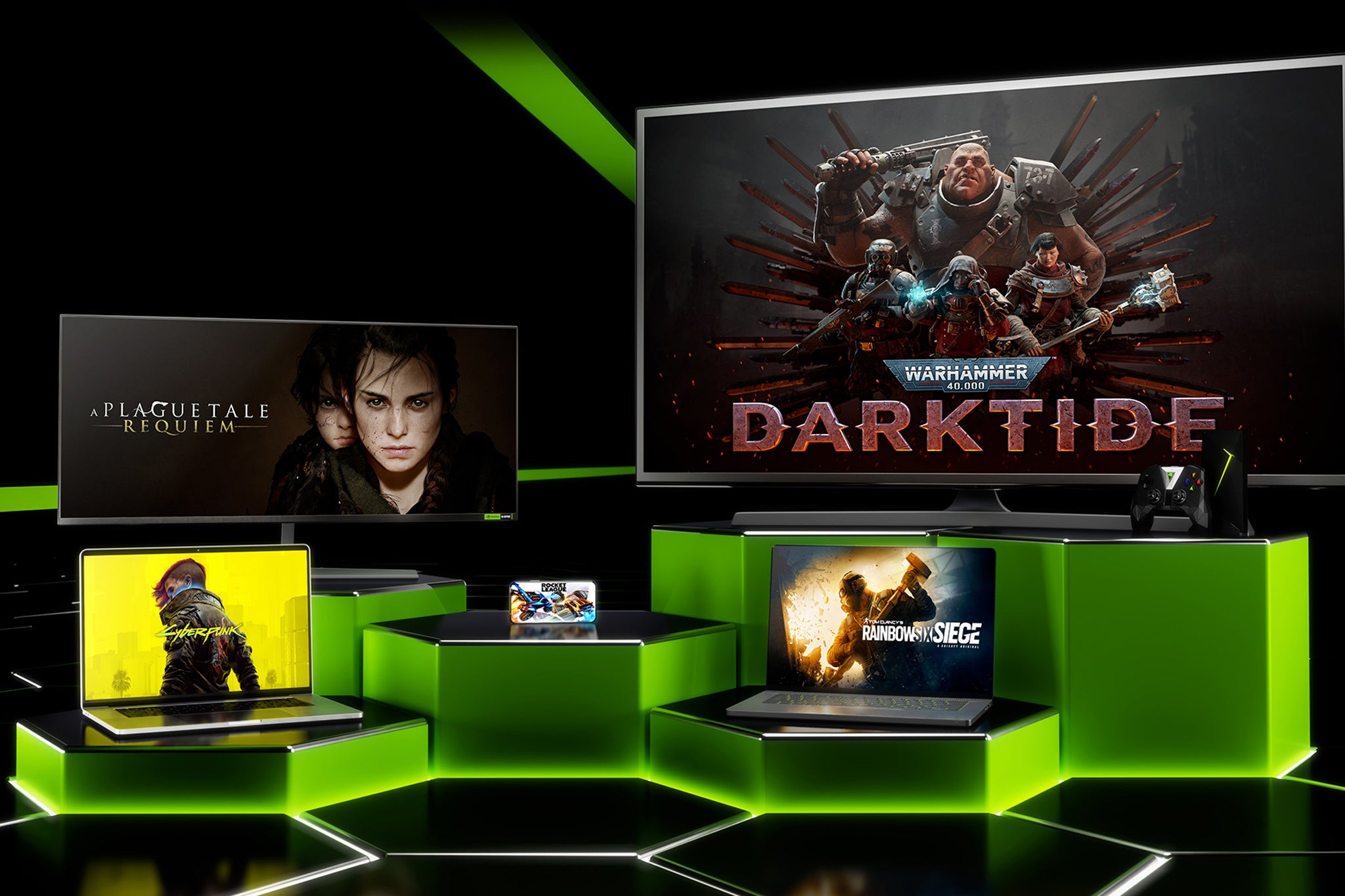
Latency is the single most expensive failure point. Even with fiber internet, a weak Wi-Fi signal or an outdated router can add 50ms or more of delay. Test the service on your actual primary device, not just a desktop on Ethernet. If you feel a noticeable lag between pressing a button and seeing the action, the service is unusable for competitive or fast-paced titles.
Not all cloud gaming services have servers in every country. If you are outside the US or Western Europe, you may be routed to distant data centers, drastically increasing ping. Check the provider’s official server map before signing up. A service with a huge library is useless if you are connected to a server three time zones away.
Cloud gaming compresses video to stream it. Look for services that maintain high bitrates (15-20 Mbps or higher) without constant resolution drops. If the video pixelates heavily during fast motion or dark scenes, the service is struggling to deliver a clear image. This is a common failure in services that prioritize quantity of games over streaming quality.
The "expensive" part of a subscription is the opportunity cost. Does the library include the specific games you actually want to play? Many services offer hundreds of titles, but if the top 10 most-played games are missing, the subscription provides little value. Focus on the titles you play weekly, not the entire catalog.
Ownership Costs: When Cheap Stops Being Cheap
Cloud gaming shifts the upfront cost of a console or PC into a monthly subscription, but the long-term math often favors local hardware. If you play for more than a year or two, the cumulative subscription fees usually exceed the price of a mid-range gaming rig or console. Think of it like renting versus buying a car: the monthly payments are manageable, but you never own the asset, and the total cost climbs steadily.
Beyond the subscription fee, there are hidden costs that can erode your savings. Many services require you to buy premium controllers or specialized headsets to get the best experience, as standard peripherals may lack haptic feedback or low-latency modes. Additionally, you are tethered to your internet provider. If your home network struggles with stability, you might need to upgrade to a high-speed fiber plan or buy expensive Wi-Fi 6E mesh systems to ensure smooth gameplay.
The value proposition also depends on your library. With local hardware, you own your games outright and can resell them. With cloud gaming, you are locked into the service’s catalog. If a game you love is removed from the platform or your subscription lapses, you lose access. For casual players who jump between genres, the flexibility is worth the premium. For dedicated gamers with a persistent library, the recurring costs add up quickly.


As an Amazon Associate, we may earn from qualifying purchases.
Cloud gaming 2026: what to check next
Cloud gaming has moved past the experimental phase. In 2026, services like Xbox Cloud Gaming and PlayStation Plus Premium deliver latency and visual fidelity that closely rival local hardware, provided your internet connection is stable.
How is cloud gaming in 2026?
The technology has matured significantly. Modern cloud gaming services now support high frame rates and 4K resolution on supported devices, making them a viable alternative for players who lack powerful consoles or PCs. The gap between streaming and local play has narrowed to near-invisibility for most genres, though competitive shooters may still favor local hardware for absolute minimal input lag.
What is the cloud gaming market prediction for 2026?
Industry analysts project steady growth for the industry through 2035. This expansion is driven by faster global internet infrastructure, increased investment from major tech firms, and growing consumer demand for instant access to game libraries without upfront hardware costs. The sector is shifting from a novelty to a standard pillar of the gaming industry.
Is cloud gaming worth it compared to buying a console?
Cloud gaming is worth it if you value convenience and access over raw graphical potential. It eliminates the need for expensive hardware upgrades, allowing you to play the latest titles on older devices, phones, or browsers. However, if you prioritize local performance, modding capabilities, or have an unstable internet connection, a dedicated console or gaming PC remains the more reliable choice.
Can I play cloud games on my phone or tablet?
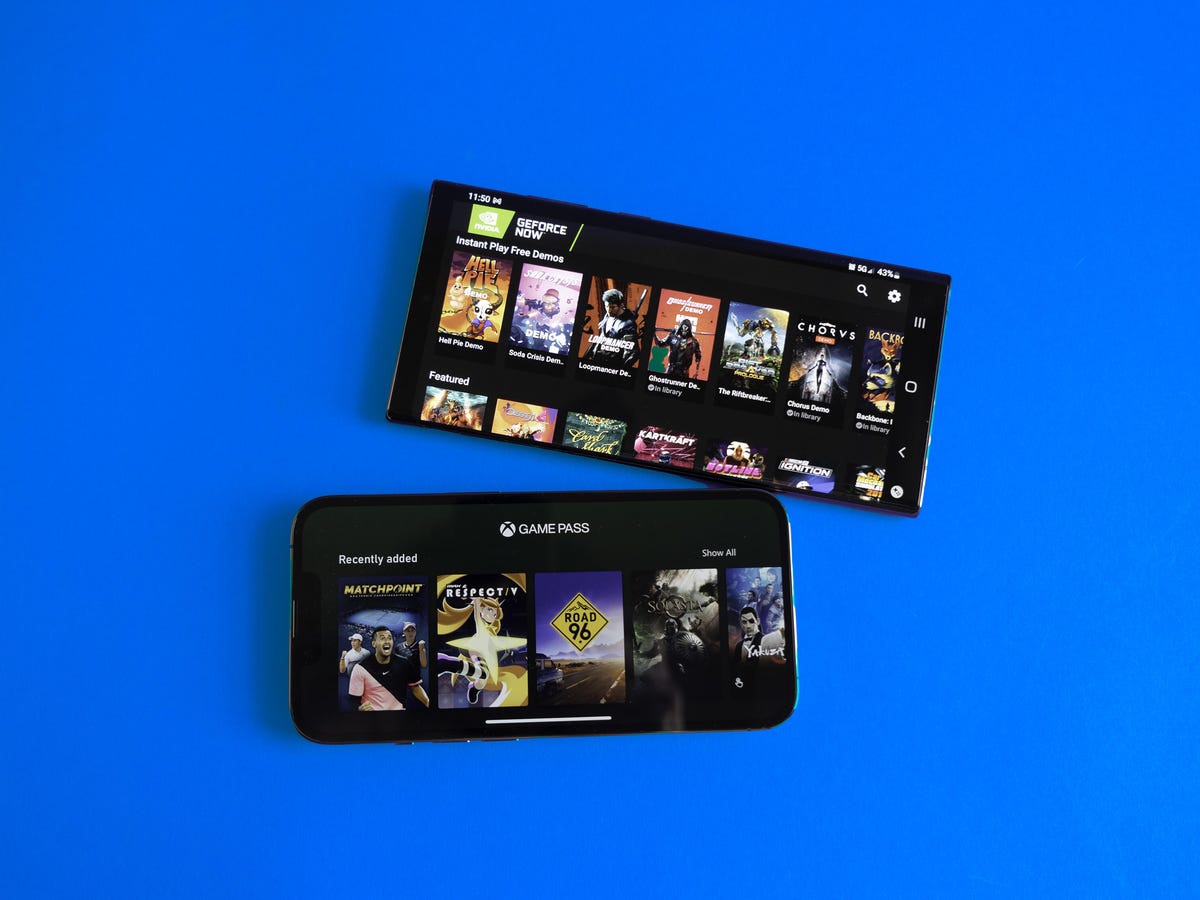
Yes. Most major cloud gaming platforms, including Xbox Cloud Gaming and GeForce Now, offer dedicated apps for iOS and Android devices. You can also play directly in mobile browsers on many services. While touch controls are available, using a Bluetooth controller is highly recommended for a proper gaming experience.
No comments yet. Be the first to share your thoughts!