Budget gaming consoles in 2026
The gaming market in 2026 has settled into a clear hierarchy: full-size powerhouses sit at the top, while compact, entry-level devices dominate the value segment. For buyers watching their wallets, the tradeoff is usually between raw graphical fidelity and sheer affordability. You are not losing much in performance on the lower end, but you are gaining flexibility in where you can place your setup.
The Xbox Series S remains the anchor for this category. It is a fully digital, 1080p-focused console that strips away the disc drive to keep costs low. This makes it ideal for players who already subscribe to Game Pass and do not care about physical media. The hardware handles most modern titles at acceptable frame rates, though you may need to lower settings in the most demanding AAA releases.
For those who prefer portability or hybrid play, the Nintendo Switch 2 offers a compelling alternative. While it may carry a higher upfront price than the Series S, its versatility adds value. You can dock it to your TV for living room gaming or pick it up for handheld sessions. This dual nature often justifies the cost for families or players with limited space.
When comparing these options, focus on your library and lifestyle. If you play exclusively on a large TV and rely on subscriptions, the Series S is the most pragmatic choice. If you value screen sharing or portable play, the Switch 2’s hybrid design provides more utility per dollar. Avoid older generation consoles unless you find them significantly discounted, as new titles are increasingly optimized for current hardware.


As an Amazon Associate, we may earn from qualifying purchases.
Shortlist real options
Choosing a gaming console in 2026 means picking your ecosystem, not just your hardware. The market has settled into a clear hierarchy: the PlayStation 5 Pro leads raw performance, the Nintendo Switch 2 dominates hybrid portability, and the Xbox Series S remains the budget entry point. Below is a direct comparison of the strongest contenders to help you match your budget and play style.
| Console | Best For | Price Tier | Key Feature |
|---|---|---|---|
| PlayStation 5 Pro | 4K/60fps Gaming | Premium | Enhanced Ray Tracing |
| Nintendo Switch 2 | Hybrid/Local Play | Mid-Range | OLED & Portability |
| Xbox Series S | Budget/1080p | Entry | Game Pass Integration |
| PlayStation 5 Slim | Standard 4K | Mid-Range | Balanced Performance |
| Xbox Series X | Backward Compatibility | Premium | 4K/120fps Framerate |
The PlayStation 5 Pro is the choice for players who want the sharpest visuals and fastest load times on a standard TV. It adds a dedicated graphics chip to boost ray tracing and resolution, making it ideal for those with high-end displays. However, the price premium is significant, and you still need the standard PS5 library to make it worthwhile.
For most households, the Nintendo Switch 2 is the more practical choice. It bridges the gap between handheld and home console, allowing you to play demanding titles on the go. Its focus on local multiplayer and unique indie titles makes it a social hub, even if its raw graphical power lags behind the "Pro" consoles.
If you are on a tight budget, the Xbox Series S offers the lowest barrier to entry for next-gen gaming. It plays all modern Xbox titles in digital-only form, and its inclusion in Game Pass provides immediate access to a massive library. It is not suitable for 4K gaming, but for 1080p or 1440p setups, it delivers excellent value.


As an Amazon Associate, we may earn from qualifying purchases.
The PlayStation 5 Slim remains the standard for players who want 4K performance without the Pro's premium cost. It is a significant step down from the Pro in terms of raw power but is still a powerful machine for the vast majority of games. It is the safest bet for a first-time console buyer who wants a reliable, full-featured experience.
Finally, the Xbox Series X sits at the top of the Microsoft lineup. It matches the PS5 in raw power but adds a disc drive and superior backward compatibility. If you have a large collection of older Xbox games or prefer physical discs, this is the superior all-rounder, though it is often harder to find in stock than its PlayStation counterparts.
Inspect the expensive parts
New gaming consoles and handhelds are complex machines, but a few components carry disproportionate repair costs. Before you commit to a purchase, or if you are buying used, focus your inspection on these failure points. The goal is to avoid devices that look fine on the outside but cost hundreds to fix internally.
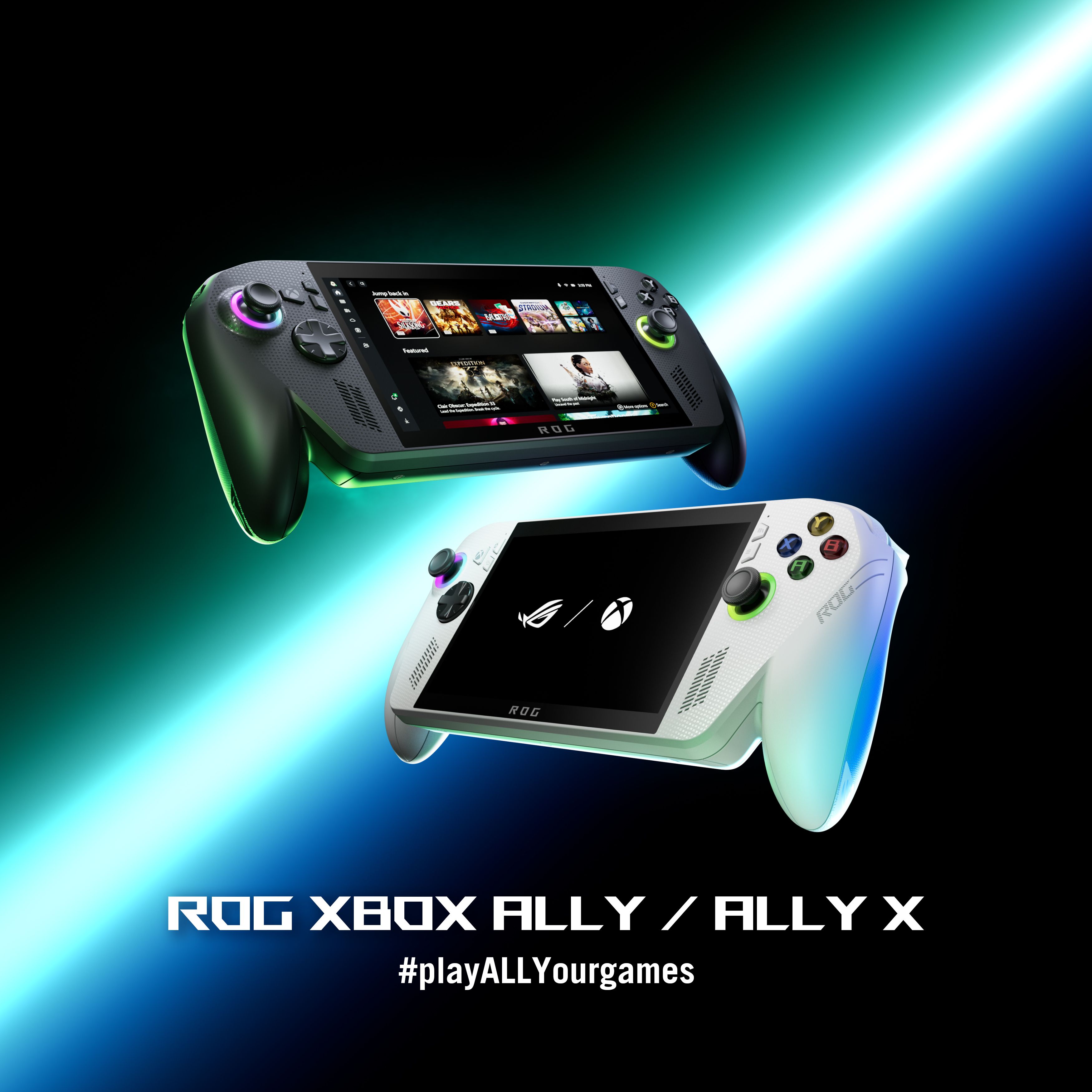
Thermal paste degrades over time, leading to overheating and fan noise. On handhelds like the Steam Deck or ROG Ally, check if the fans sound like they are struggling to push air. For consoles like the PS5 or Xbox Series X, ensure the vents are not clogged with dust. A clogged vent is an easy fix, but a dry thermal paste requires a full disassembly that voids warranties.
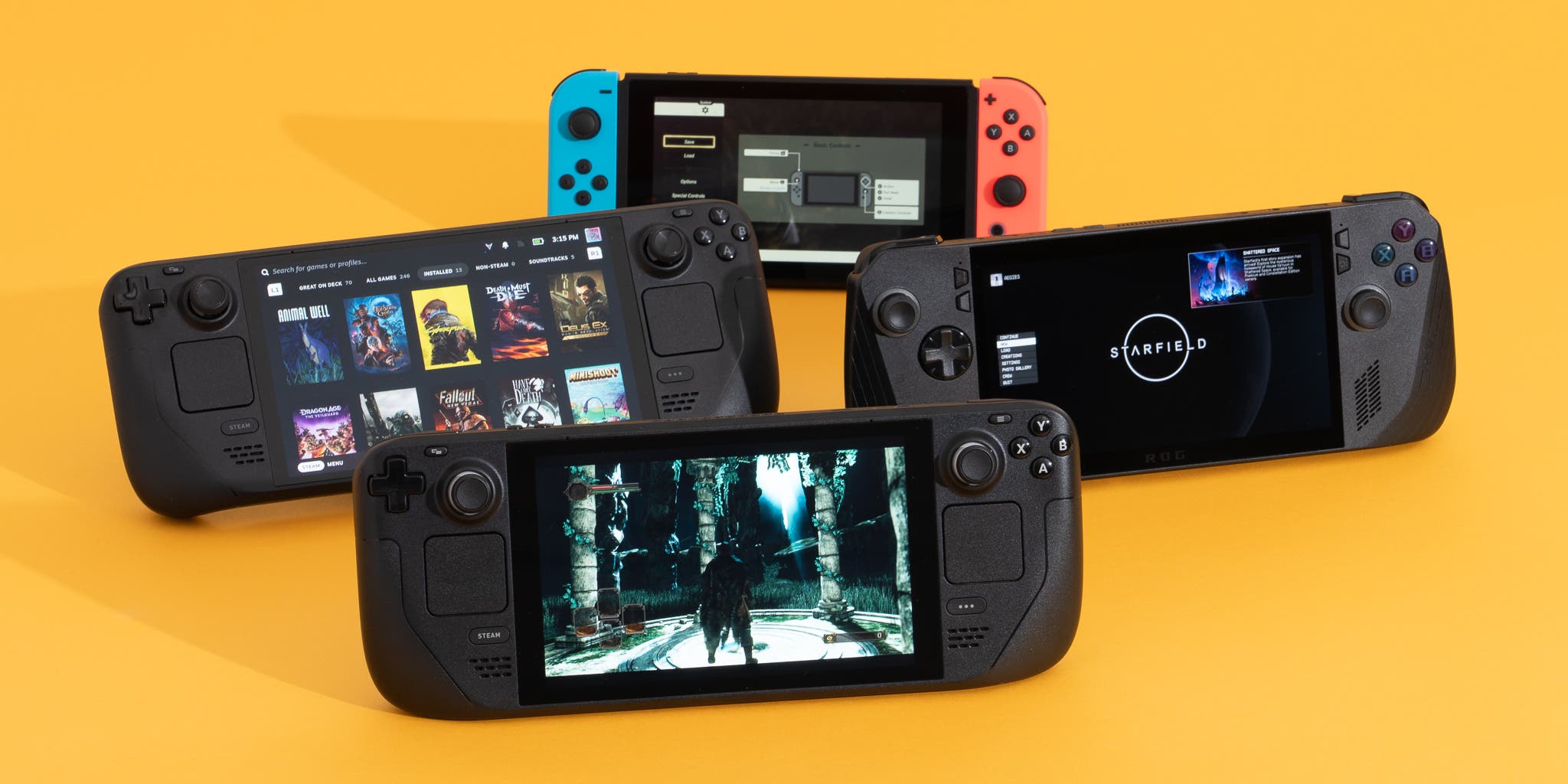
Analog stick drift is the most common handheld failure. It happens when the contacts inside the stick wear out or gather dust. Test every analog stick by moving it gently in all directions. If the cursor moves without your input, or if there is noticeable resistance, the stick is failing. Replacement parts are cheap, but the labor to open the device and solder new sticks is high.
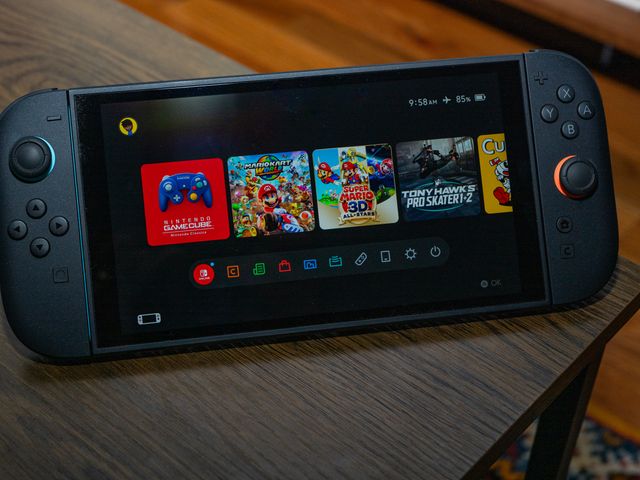
OLED screens, like those on the Nintendo Switch OLED or Steam Deck OLED, are prone to burn-in if left on static menus for too long. Look for faint ghost images of UI elements or icons. Dead pixels appear as tiny black or colored dots. While a few dead pixels are common, a large cluster or burn-in significantly reduces the resale value and usability of the device.
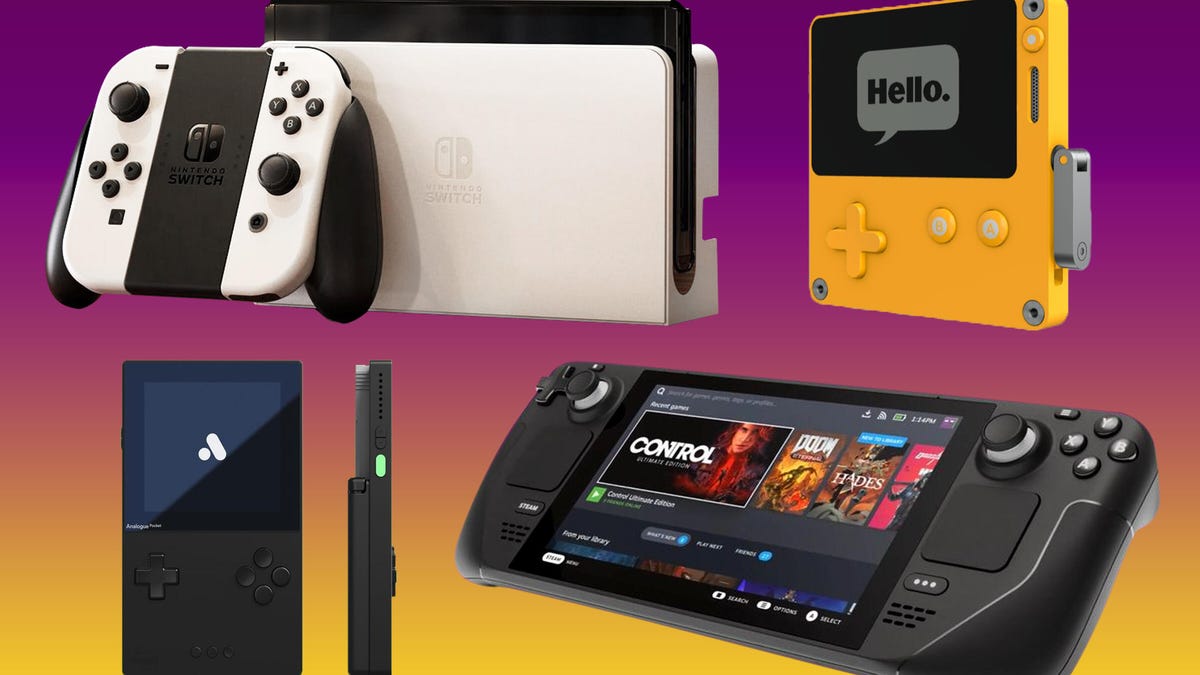
A loose charging port can cause intermittent power loss during gameplay. Plug in the charger and wiggle it gently to see if the connection drops. For handhelds, check the battery health in the settings menu if possible. A battery that drains in under an hour is a sign of age and wear. Replacing a battery in a sealed handheld unit is difficult and often not worth the cost.
These checks take minutes but can save you from buying a device that needs immediate, expensive repair. Focus on the parts that are hardest to replace: the screen, the sticks, and the thermal system. If these are in good shape, the rest of the console is likely to hold up well for years to come.
Plan for ownership costs
A console’s sticker price is just the entry fee. The real cost of ownership often hides in subscriptions, digital store fees, and the inevitable hardware wear-and-tear that catches new buyers off guard. Before committing to a system, calculate the annual running costs to see if the "cheap" hardware actually saves money over time.
Subscriptions and Digital Store Fees
Most modern consoles rely on recurring subscriptions for online multiplayer and exclusive titles. PlayStation Plus and Xbox Game Pass Core are mandatory for online play on their respective platforms. Nintendo Switch Online is required for multiplayer on the Switch 2. These services typically run $80–$100 annually. Additionally, digital game sales often include platform-specific tax structures that vary by region, and some stores charge restocking fees for used digital accounts or regional pricing arbitrage, which can erode savings from digital discounts.
Maintenance and Repair Surprises
Handhelds like the Steam Deck or upcoming Switch 2 models face physical wear. Joy-Con drift, battery degradation, and screen scratches are common. While warranties cover manufacturing defects, they rarely cover accidental damage or normal wear. Repairing a cracked screen or replacing a battery can cost $50–$150, often exceeding the value of an older device. Consider a protective case and screen protector as a non-negotiable initial investment, especially for portable units.
When Cheap Stops Being Cheap
A lower upfront cost can become expensive if the hardware lacks longevity or backward compatibility. Older consoles may require separate purchases for online access or lack access to newer, more efficient digital storefronts. Conversely, premium consoles like the PS5 Pro or Xbox Series X offer better performance longevity, potentially extending the device's useful life. Evaluate the total cost of ownership over a 3–5 year period, including games, subscriptions, and potential repairs, to determine the true value.


![Nintendo Switch Online 12-Month Individual Membership [Digital Code]](https://m.media-amazon.com/images/I/61ru8L994TL._AC_UY654_QL65_.jpg)

![daydayup 4-Pack Screen Protector Tempered Glass for Nintendo Switch 2 [7.9 inch] 2025 with [Alignment Frame] -HD Clear Anti-Scratch Travel Transparent Clear Screen Protector](https://m.media-amazon.com/images/I/71J7GAR8z3L._AC_UY654_QL65_.jpg)
As an Amazon Associate, we may earn from qualifying purchases.
Gaming consoles 2026: what to check next
Choosing a console in 2026 comes down to your ecosystem and playstyle. The market has shifted toward hybrid flexibility and high-fidelity exclusives, making the "best" choice dependent on what you already own.
No comments yet. Be the first to share your thoughts!