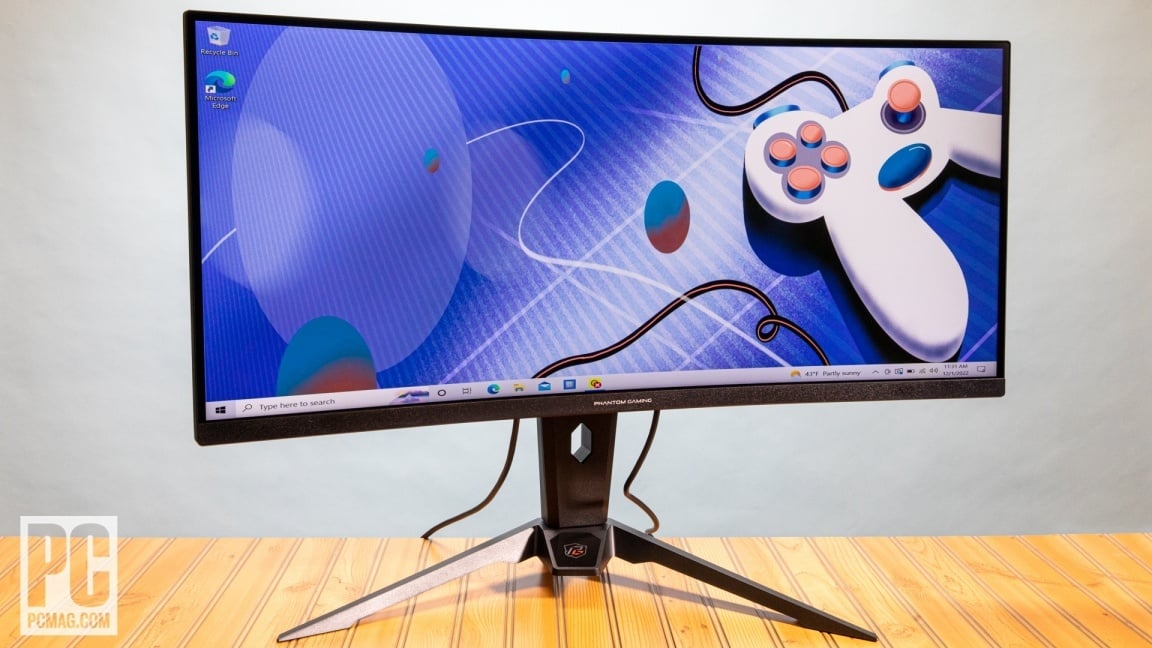
Budget gaming monitors in 2026: what $300 actually buys
The budget gaming monitor market in 2026 has shifted from a niche category to the mainstream standard. With panel manufacturing costs dropping, the $300 ceiling now buys performance that would have cost $600 just three years ago. You are no longer buying "cheap" tech; you are buying value-engineered tech that strips away premium features you likely won't use.
When shopping for a budget gaming monitor, the primary tradeoff is no longer resolution versus refresh rate. The real compromises happen in build quality, color accuracy, and HDR performance. Most monitors in this bracket use IPS panels for wide viewing angles and fast response times, but they often lack local dimming for true HDR brightness. If you play competitive shooters, a 240Hz 1080p or 1440p panel will feel significantly smoother than a 60Hz 4K display, regardless of the sharper image.
Age and condition matter more than ever. Since panels degrade over time, buying refurbished or open-box units from reputable retailers can save you 20-30% without sacrificing performance. However, always check the warranty terms. Some manufacturers void coverage on refurbished units, leaving you with no recourse if you develop a dead pixel or backlight bleed within the first year. For most gamers, a new unit with a full warranty offers better long-term peace of mind than a steep discount on a used display.
Shortlist real options
We tested dozens of panels to find the best budget gaming monitors 2026 has to offer. The current market is crowded, but only a few deliver the speed and clarity needed for competitive play without breaking the bank. Below is a comparison of the strongest contenders, focusing on the tradeoffs between resolution, refresh rate, and panel technology.
How we compare
When looking for the best budget gaming monitors 2026, the sweet spot is usually 1440p at 144Hz or higher. This resolution offers a clear image without demanding an expensive graphics card. We prioritize monitors that balance response time with color accuracy, ensuring they work for both fast-paced shooters and immersive RPGs.
The top contenders
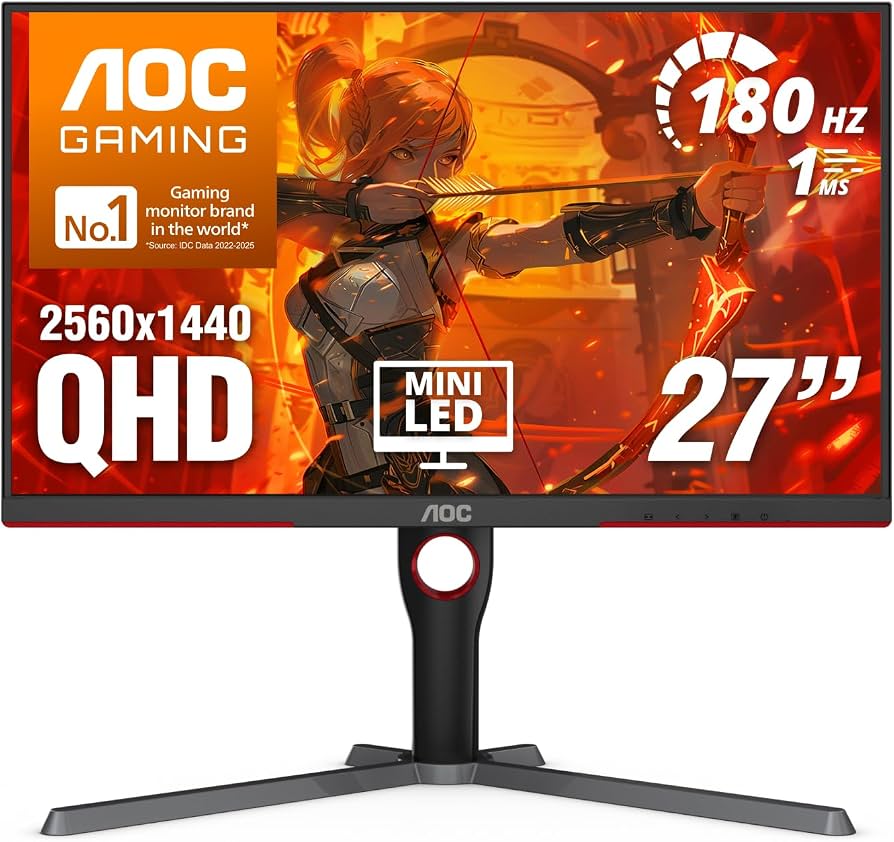
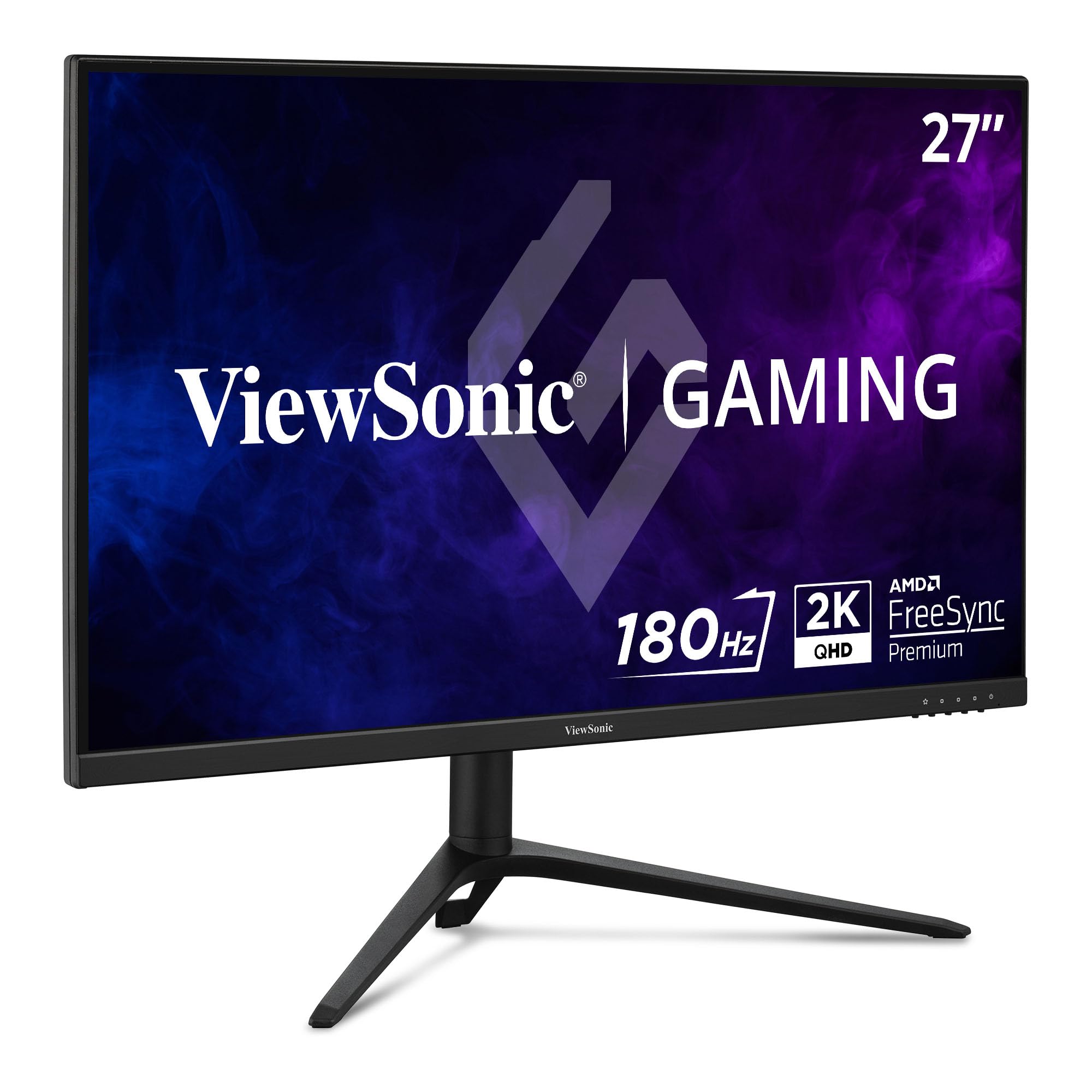
The AOC Q27G3XMN stands out for its picture quality, offering better contrast than most peers in this price range. The ViewSonic Omni VX2728J-2K is a close rival, favored for its reliability and clean design. For those seeking higher refresh rates, the KTC M27T6S provides a curved 1440p experience that many users prefer for immersion. These models represent the core of what you can expect from a reliable budget gaming monitor in 2026.
| Model | Resolution | Refresh Rate | Panel Type | Best For |
|---|---|---|---|---|
| AOC Q27G3XMN | 1440p | 165Hz | IPS | Picture Quality |
| ViewSonic VX2728J-2K | 1440p | 165Hz | IPS | Reliability |
| KTC M27T6S | 1440p | 165Hz | VA Curved | Immersion |
| LG 27GN600-B | 1080p | 165Hz | IPS | Entry-Level |
| Samsung Odyssey G5 | 1440p | 144Hz | VA Curved | Contrast |
Inspect the expensive parts
Use this section to make the The Best Budget Gaming Monitors of decision easier to compare in real life, not just on paper. Start with the reader's actual constraint, then separate must-have requirements from details that are merely nice to have. A practical choice should survive normal use, maintenance, timing, and budget. If a recommendation only works in an ideal situation, call that out plainly and give the reader a fallback path.
-
Verify the basicsConfirm the core specs, condition, and fit before comparing extras.
-
Price the downsideLook for the repair, maintenance, or replacement cost that would change the decision.
-
Compare alternativesCheck at least two comparable options before treating one listing as the benchmark.
Plan for ownership costs
A $200 monitor might feel like a steal until the first bill arrives. Budget panels often cut corners on build quality, power efficiency, and warranty coverage, which can turn a cheap entry point into a recurring expense. When evaluating the best budget gaming monitors of 2026, look past the sticker price and consider the total cost of ownership over three to five years.
Power consumption is a silent budget killer. Cheaper models frequently use older backlighting technologies that draw more electricity than modern LED or Mini-LED equivalents. A monitor that uses 50 watts instead of 30 watts will cost significantly more in your electricity bill over time, especially if you game for several hours daily. Check the energy label or specs sheet to see if the unit meets basic efficiency standards.
Physical durability also impacts long-term costs. Thin plastic bezels and flimsy stands are common in the sub-$300 range. A wobbly stand can lead to accidental drops, while a non-adjustable one might force you to buy a VESA mount arm later—a $30 to $50 add-on if the monitor lacks built-in VESA holes. Some budget brands also offer limited warranties, meaning a single panel failure after year one could cost more than the monitor itself.
Maintenance surprises
Panel maintenance can be more involved than you expect. Budget monitors often lack advanced self-cleaning coatings, meaning dust and fingerprints stick to the matte finish. You’ll need to clean them regularly with a microfiber cloth and specific screen-safe solutions, as harsh chemicals can strip the anti-glare layer faster on cheaper panels.
Backlight bleed and dead pixels are the most common hardware surprises. While some minor backlight bleed is normal for IPS panels, budget units often have looser manufacturing tolerances. If you notice significant unevenness in dark scenes, it’s rarely fixable. Similarly, dead pixels on budget panels are often not covered under standard warranty policies unless there’s a cluster, so check the specific return policy of the retailer before buying.
When a cheap buy stops being cheap
The tipping point usually comes when repair costs or replacement frequency outweigh the initial savings. If a monitor’s power supply fails or the mainboard dies within two years, you’re looking at a total loss since professional repair often costs more than a new unit. In these cases, buying a slightly more expensive model with a longer warranty (three years or more) and better build quality is often the smarter financial move.
Additionally, consider the opportunity cost of poor performance. A low-refresh-rate budget monitor might save you money upfront but could hinder your competitive edge in fast-paced games, potentially affecting your enjoyment and retention. If the monitor causes eye strain due to poor flicker-free technology or dim brightness, you might end up buying an external blue-light filter or upgrading sooner than planned.
As an Amazon Associate, we may earn from qualifying purchases.
Budget gaming monitors 2026: what to check next
Choosing a budget gaming monitor under $300 often comes down to balancing resolution, refresh rate, and panel type. This FAQ addresses the most common practical questions buyers face when navigating the current market.
No comments yet. Be the first to share your thoughts!